Customer Support
Equipment Returns
Return your Diallog equipment easily using our prepaid Canada Post return service.
If Diallog has asked you to return equipment, follow the simple steps below to generate the prepaid return label and send your equipment back to us at no shipping cost to you.

Generate Your Return Label
Click the button below to open Canada Post’s return label portal. You’ll enter the authorization number and your Diallog account number that we’ve provided to you.
Opens in a new window.


Prepare Your Equipment
Carefully pack the equipment and any accessories we’ve asked you to return, including power and adapters, and cables where applicable.
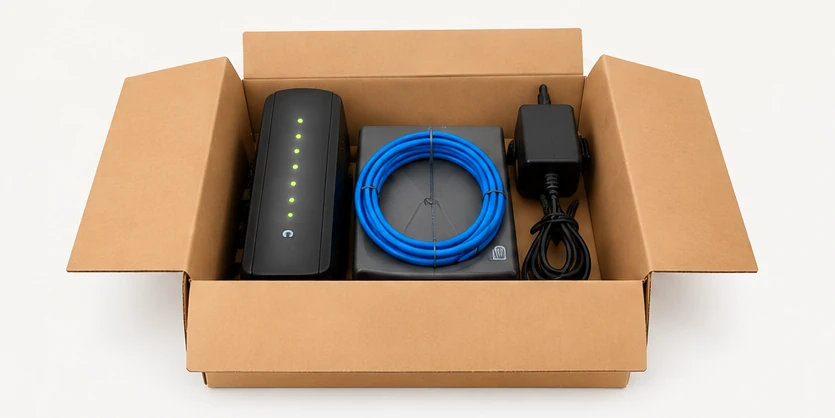
Use the original packaging if available, or another sturdy box that will protect the equipment during shipping.

Ship Your Package

If you have a printer
Print your Canada Post shipping label, attach it securely to your package, and drop it off at any Canada Post office.

If you don't have a printer
Select the QR code or label-free option when available. Bring your packaged equipment and the QR code on your mobile device to a Canada Post office. The postal clerk can print and label for you.
Keep your shipping receipt and tracking number until your return has been confirmed.

Need Assistance?
If you do not have your Diallog account number, experience difficulty generating your label, or need to return more than one package, please contact our Customer Service team.

Important
Please return only equipment that Diallog has instructed you to return. Follow any return deadline specified in your communication from us.